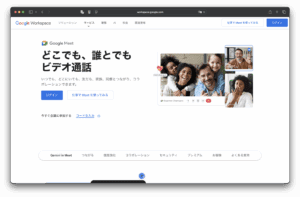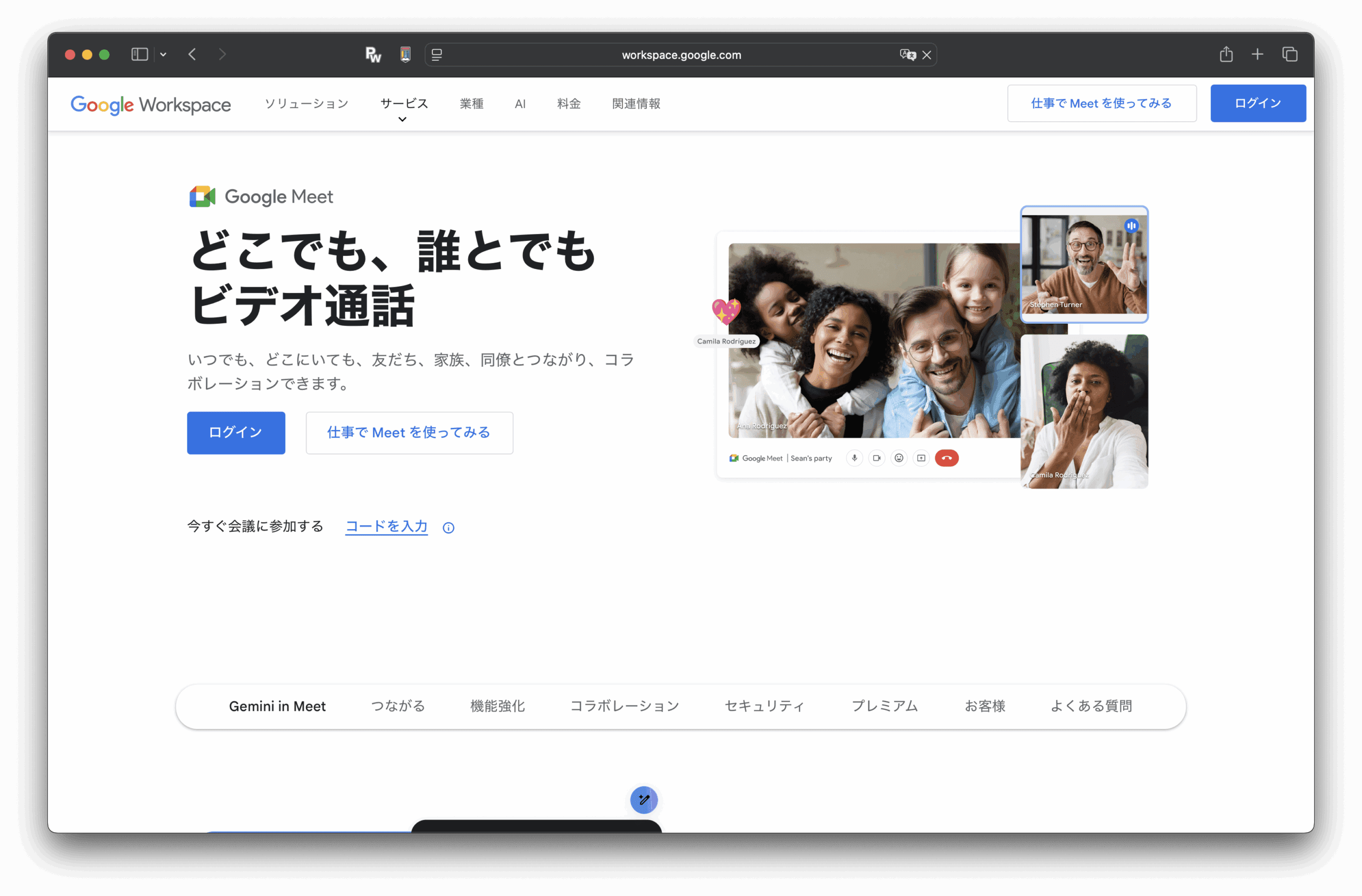
Google Meet is an online video conferencing service available through a browser or mobile app that allows you to communicate with remote teams and customers in real-time through video, audio, and screen sharing. It is easy to use with a Google account, and it can be linked with Workspace products such as Google Calendar and Gmail to smoothly perform everything from scheduling meetings to participation and recording.
Here's how to install Google Meet for each common pattern.
Google Meet and search.
On PC, you can basically use Use in a browser without installing It will take shape.
ONE KEIZAIKEN If you would like to participate in the study session via Google Meet, please apply using the form below.
Your name and email address are automatically filled in and cannot be edited. If you want to change your display name or email address, please do so from "My Account".
Google Meet The invitation application form will be displayed to members who are Bronze Supporters and above. If you are a bronze supporter or higher and the form is not displayed, please contact the secretariat Contact us I hope.
Google Meet Login is required to view the invitation application form.
You can check the official page of Google Meet from the button below.
 Copyright © 2020 – 2026 All Rights Reserved

 Copyright © 2026 All Rights Reserved
Need help? Please contact our help desk.