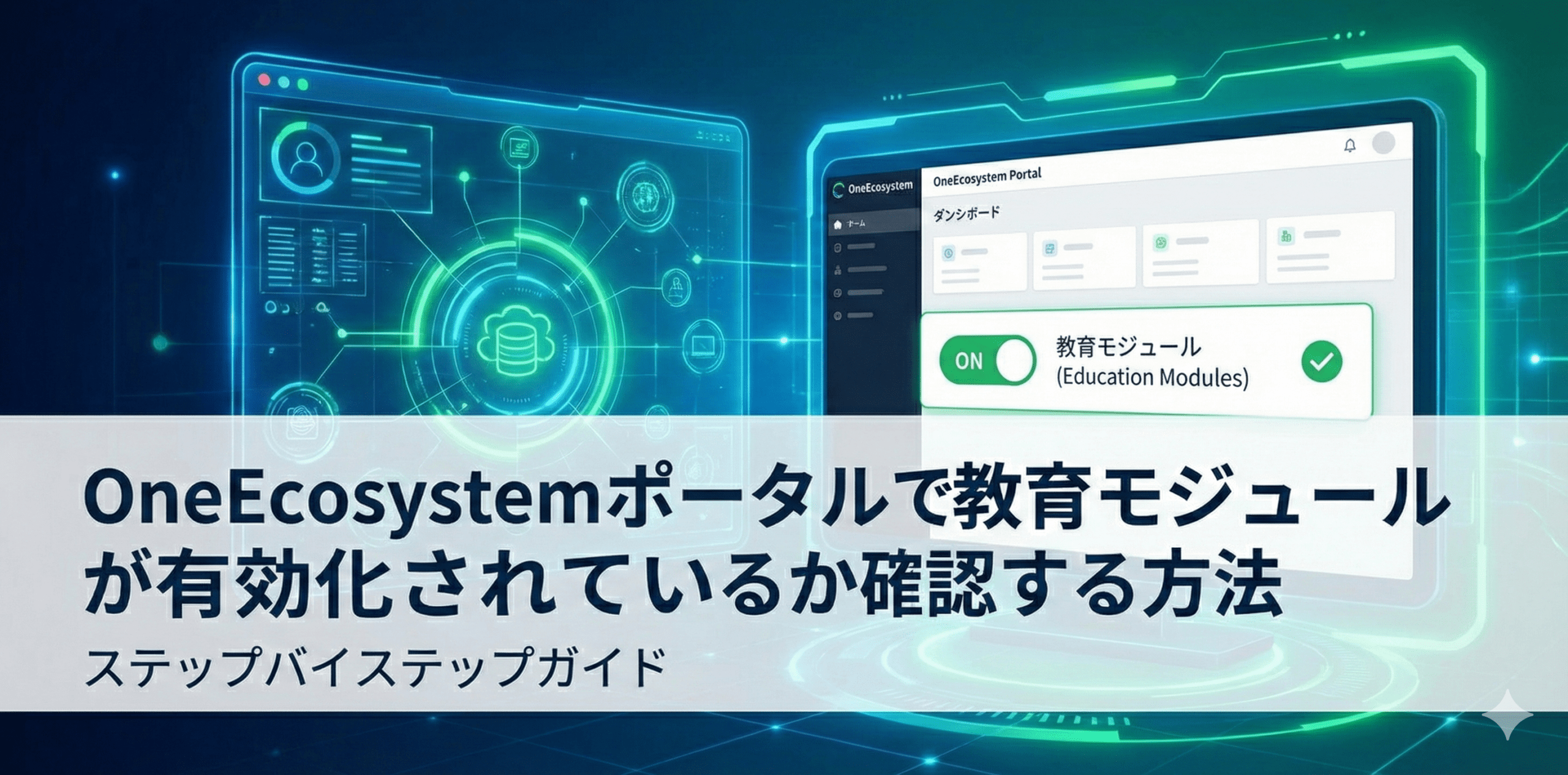
デジタル・インターフェースは、未来的な技術のグラフィックを背景に、ワンエコシステム・ポータルとチェックリストが表示されたコンピューター画面と、教育モジュールが有効かどうかをチェックする方法を説明する日本語のテキストを表示する。.

How to check if an education module is enabled in the OneEcosystem portal

* If you are a Bronze member or above, you can read the following articles without advertisements.
デジタル・インターフェースは、未来的な技術のグラフィックを背景に、ワンエコシステム・ポータルとチェックリストが表示されたコンピューター画面と、教育モジュールが有効かどうかをチェックする方法を説明する日本語のテキストを表示する。.

OneEcosystem会員用ポータルサイトで教育モジュールが有効化されているかを確認する手順と、Rookie以外のモジュール表示の有無による状態判断を解説します。

無料質問コーナーでの回答は以下のリンクからご確認いただけます。
https://members.one-japan.net/80099/#comment-515

Questions about the above article

Questions related to the above article require a subscription of Bronze Supporter or higher.
Please log in or sign up.
Sign up
Stylized red and gray logo featuring a 3D geometric design with overlapping shapes. Copyright © 2020 – 2026 All Rights Reserved

Providing accurate information to the OneEcosystem community in Japan, sharing knowledge and facilitating member participation and improved experiences.
To the top
magnifier cross

Need help? Please contact our help desk.

0
Please let us know your comments and opinions about this article. x
( )
x