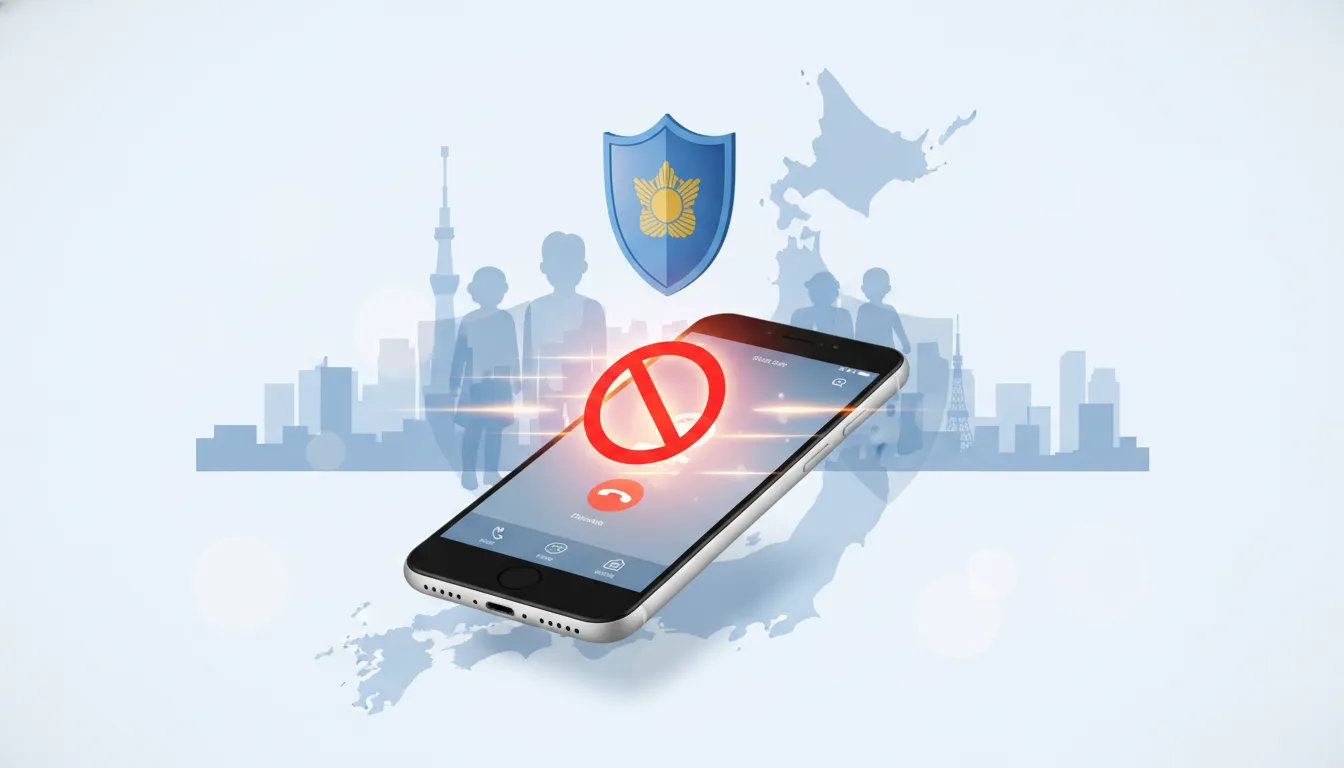
This article explains how to reduce the risk of high charges due to international premium scams and number spoofing using the scam call blocking feature of the Metropolitan Police Department's app, "DigiPolice" app. It organizes specific setup procedures for Android and iPhone, whitelist operations for family and senior smartphones, the dangers of callbacks, and points of contact with mobile carriers and the police in case of damage.
DigiPolice is a free app aimed at preventing incoming spam and scam calls. As a feature within a crime prevention app provided by the Tokyo Metropolitan Police Department, it includes a scam call blocking function that can be used nationwide to block scam numbers. This article clearly organizes "What it can do," "Settings by device," "Actual dangerous tactics," "Operation rules for family use," and "How to deal with damage."
What is DigiPolice (Who should use it and why is it important)?
What is it? : DigiPolice is an app that distributes information about suspicious individuals and crime prevention notices managed by the police, and it has added a scam call blocking feature.
Who is it for? : Seniors and children unfamiliar with scam calls, and people troubled by suspicious incoming calls for work. While features are mainly for Tokyo residents, the scam number blocking is effective nationwide.
Why is it important? : Due to increasingly common tactics like international premium calls and number spoofing, simply ignoring incoming calls leaves you at risk. Automatic blocking with the app significantly reduces initial damage.
Main Features and Differences by Device (Briefly)
- Common Features : Automatically blocks incoming calls from numbers identified by the police as used for scams (rejects calls or suppresses notifications).
- Additional Features Available on Android
- : Bulk blocking of international calls (numbers starting with +)
- : Blocks outgoing calls (or callbacks) to scam numbers or international numbers
- Automatically delete call history (do not leave history)
- Exclude contacts from blocking (whitelist)
- Restrictions on iPhone
- Due to system constraints, the app only provides blocking for scam numbers known to the police.
- Recommended to use in conjunction with "Silence Unknown Callers" and call screening features.
- Cost Provided for free (no in-app charges).
Why "Callback" is Dangerous (International Premium & Billing Mechanism)
Many recent scam calls leave a missed call and try to induce a callback. If you call back, you may be connected to an international premium number, incurring high charges of several thousand yen per minute. The charges are included in your mobile carrier's bill, and it's often difficult to detect because the bill arrives weeks or even the following month.
Additionally, techniques like "spoofing" (number impersonation), where the caller displays a number from a real organization, are increasing. You cannot determine if a call is from a legitimate organization just by looking at the displayed number.
DigiPolice Installation and Setup Steps (Specific Steps for Android/iPhone)
Common: Preparation
- Install by searching for "デジポリス" or "DigiPolice" on the App Store or Google Play. It's safest to download from the National Police Agency's official website: https://www.keishicho.metro.tokyo.lg.jp/kurashi/tokushu/furikome/digipolice.html
- You may be asked to enter your "residence" and "age" when you first launch the app, but you can skip this if you only plan to use the scam call blocking feature.
- Location and notification permissions are only necessary if you plan to use the map or regional notification features.
Android: Setup Flow (Recommended Settings)
- Open the app, tap the phone icon on the top screen, and proceed to the "Spam Call Blocking" settings.
- Review and agree to the precautions.
- Set the following functions to "Default" or grant permission for each:
- Call Blocking (Set the app as the default for call rejection)
- Outgoing Call Blocking (Block callbacks)
- Call History Deletion (Allow setting to not leave history)
- Exclude Contacts from Blocking (Whitelist acquaintances)
- After setup is complete, the phone icon will show "On" if it's working.
- To disable, turn off each permission from the same screen. You may need to turn off permissions in a specific order as there are multiple.
iPhone: Setup Flow (Recommended Settings)
- Open the app, tap the phone icon, and review and agree to the notes.
- When you enable the "Call Blocking" feature, you'll be prompted to enable Digipolis in your iPhone's settings under "Phone" -> "Call Blocking & Identification" or "Blocked Contacts (Call Blocking & Identification)".
- For even greater security, use the iPhone's built-in "Silence Unknown Callers" feature in conjunction. However, this may also silence emergency calls from numbers not in your contacts, such as hospitals or schools, so use it based on your individual judgment.
- If call screening (a feature that asks for the reason for the call) is enabled, you can also check incoming calls at the initial stage.
Operational rules (checklist) when introducing to family members' or elderly people's smartphones
- Required Settings : Install the app and enable call blocking.
- Whitelist : For family members with contacts abroad, register those numbers in advance in your contacts to exclude them.
- education : Share the following basic rules.
- Do not call back unknown numbers.
- Even if someone claims to be from the police or a bank, call them back yourself using the official number to confirm.
- Consult with family immediately about suspicious calls.
- Emergency Contacts : Register important numbers such as hospitals, schools, and care services in your contacts.
- Regular Checks : Make it a habit to check your call charges and billing statements about once a month.
Initial response if you fall victim to a scam / receive a high bill
- Contact your mobile carrier immediately, explain the situation, and discuss payment suspension or bill cancellation.
- Save call recordings, call history, and call times. Screenshots can also be valid evidence.
- File a damage report with the police (at your nearest police station or consultation service). Inform them that it may be a scam. Having evidence makes the process easier.
- If you have sent funds via bank transfer, etc., promptly contact the financial institution where the transfer was made and request a transaction stop or investigation.
Common Misconceptions and Precautions (Points often overlooked)
- The app alone does not provide complete peace of mind. : The app alone may not be able to handle new types of scams or caller ID spoofing. Constant vigilance and the habit of verifying are necessary.
- The app was developed with Tokyo in mind. : While there are Tokyo-specific features like regional notifications, the scam number blocking is effective nationwide.
- iPhone Limitations : Due to Apple's specifications, some blocking features available on Android (such as outgoing call blocking, international number blocking, and automatic history deletion) are not available.
- Beware of Caller ID Spoofing : The displayed caller ID alone cannot determine the origin of the call. For official organizations, confirm via their official website or phone directory and call back.
Summary: 3 Things You Should Do Right Now
- Install Digi Police on your smartphone and enable call blocking.
- Install it on your family's smartphones too, and register important contacts in your address book to whitelist them.
- Thoroughly implement the operational rule: do not call back, and if you receive a suspicious call, confirm it yourself by contacting the official contact point.
FAQ (Frequently Asked Questions)
Can Digi Police be used nationwide?
The fraud call blocking feature can be used nationwide. However, please note that regional cooperation features such as crime prevention notifications are designed for Tokyo.
Can I block international calls on iPhone?
Due to system limitations, iPhones cannot block international numbers in bulk with a single app. Instead, you can aim for a similar effect by using it in conjunction with features like "Silence Unknown Callers" or call screening, but there is a risk that emergency calls may also be silenced.
If I call back, can the charges be canceled?
It depends on the case. First, contact your mobile carrier to request a payment hold or investigation, and consult the police. Evidence such as call records or recordings will make it easier to proceed, but it is not guaranteed that the full amount will be refunded.
Is there a way to tell if a number is spoofed?
It cannot be determined by the displayed number alone. Even if the displayed number is from a legitimate organization, if they make suspicious requests (such as asking for money transfers or PINs), hang up and call back the official published number yourself to confirm.
What are the precautions when installing on a family member's smartphone?
When installing for elderly people or children, it is important to pre-register a whitelist (numbers of family members and medical institutions) and to verbally explain and agree on the rule of "never call back."
Source:
Metropolitan Police Department https://www.keishicho.metro.tokyo.lg.jp/kurashi/tokushu/furikome/digipolice.html
[Completely Free!] The Metropolitan Police Department has finally released an app that completely blocks scam calls! It's amazing! You should definitely use it! [Digi Police]



























 Copyright © 2020 – 2026 All Rights Reserved


 Copyright © 2026 All Rights Reserved